Turn your fuel receipt into a recorded expense. Torklet reads the text in the photo on your phone. You verify and save the fields it finds; no OBD adapter is required.
Open the fuel section
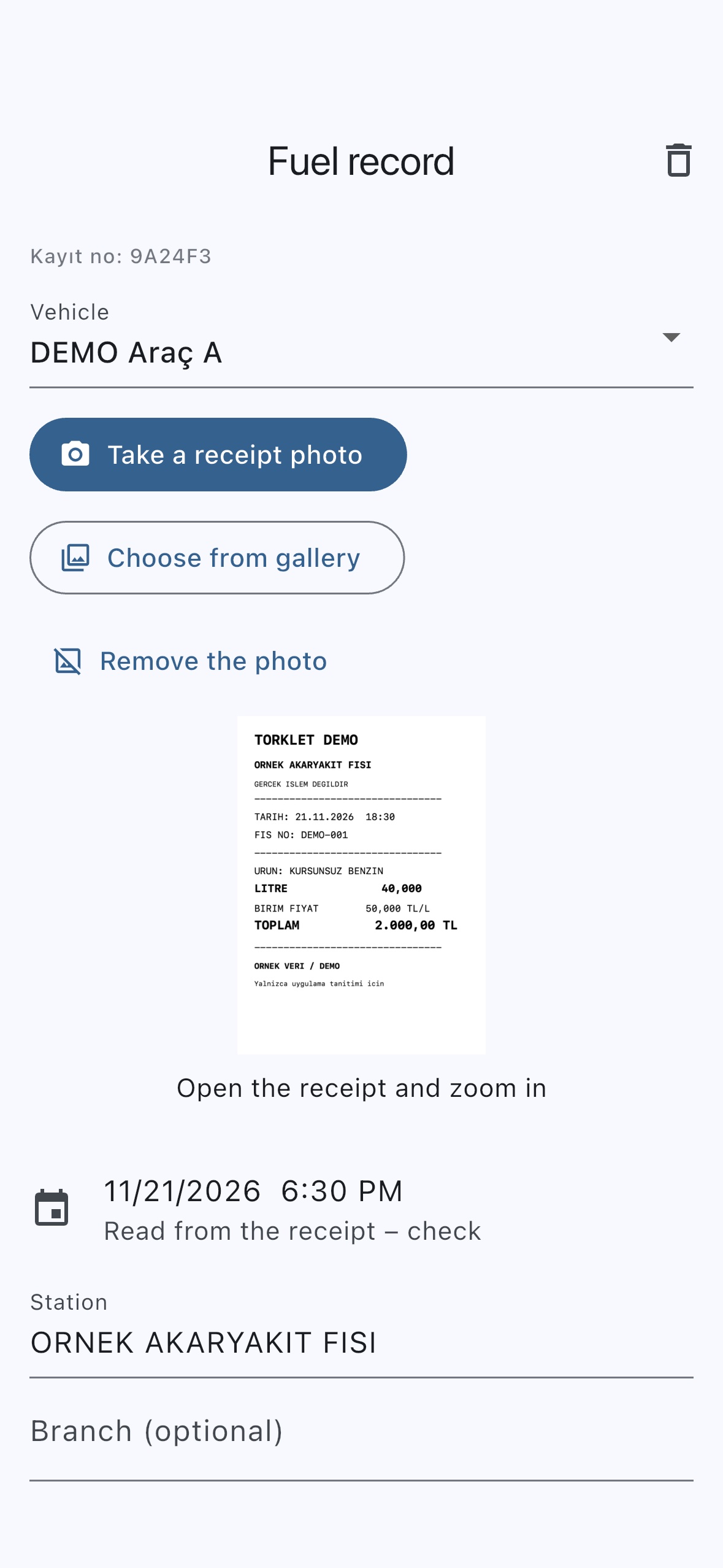
Add or select your vehicle. Tap Add Fuel on the fuel screen. You can take a photo with 'Take receipt' or use an existing photo with 'Select from gallery'.
Verify the read information
The app transfers information it can find, such as liters, unit price, total amount, station, and date, to the form. You can manually correct fields that were not read or read incorrectly. The receipt does not turn into a fuel record until you tap save.
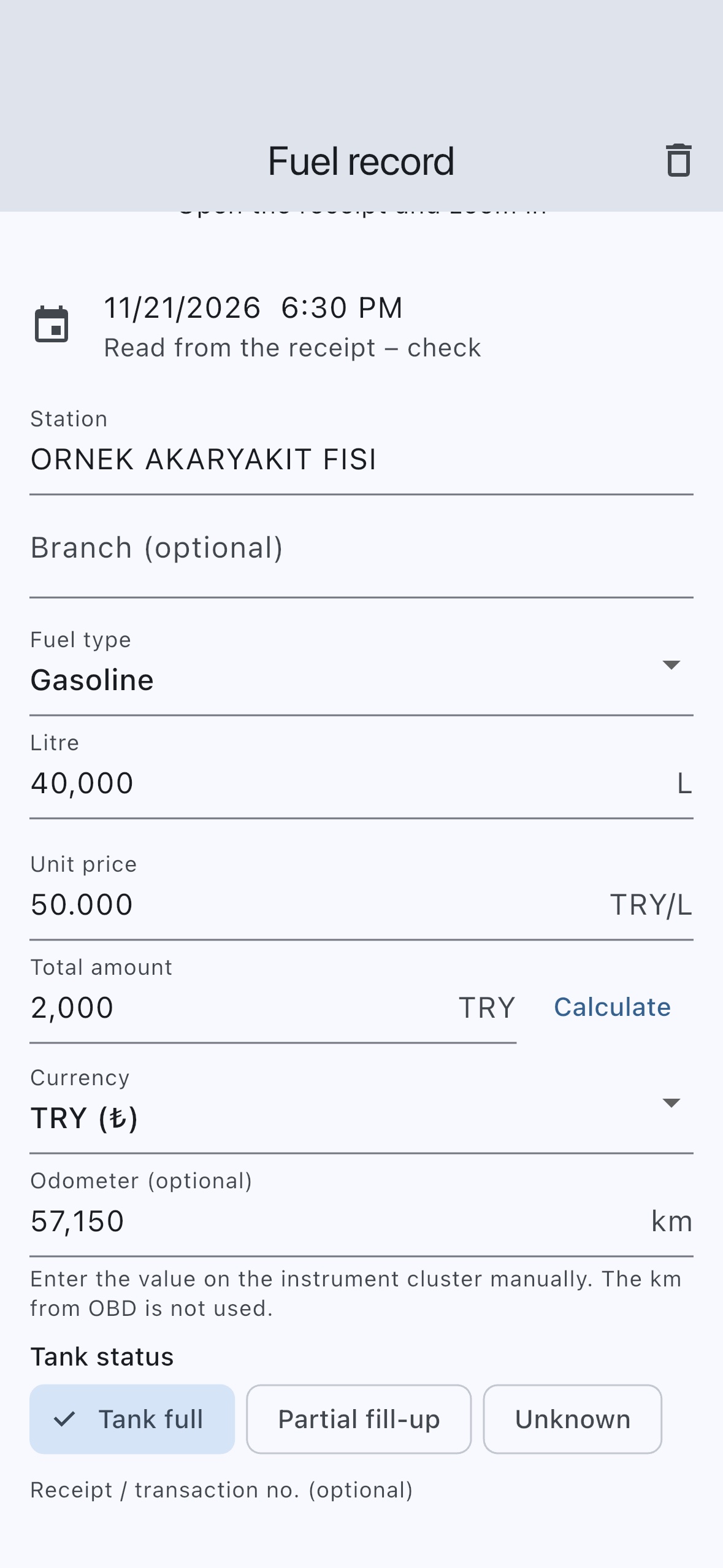
Add mileage and tank status
Enter the value from the odometer manually. If the tank is full, check the relevant option. When you tap save, the receipt photo and the information you confirmed are added to your vehicle's fuel history.
What will I see after the first record?
You can see the amount you added and the fuel you purchased in the list. In fuel statistics, expenses are aggregated by month and year. Consumption can be calculated and displayed once two full tank records with known mileage are created.
Reading a receipt and calculating consumption are different processes. The amount can be read from the receipt; however, calculating consumption also requires accurate mileage and tank records. Estimates made with incomplete data are marked accordingly.
What if the receipt cannot be read?
Try taking a clearer, brighter photo or enter the information manually. The 13-language support is for the app interface; reading quality may vary depending on receipt languages and layouts.
Where does my photo go?
Text recognition is performed on the device. Your receipt is not uploaded to the developer or a reading server for this process. You can use export and sharing flows that you initiate yourself if you wish.
What analyses are my records converted into? · Privacy policy
Download Torklet
Android APK: 0.1.3 (14) · 102 MB · Android 7.0+ · Google Drive
Free. No account, no ads, no tracking.