Torklet displays the information you record from three different perspectives: fuel consumption and spending, your vehicle's recorded costs, and the distance and duration of your trips. Results are limited to the scope of your existing records and data.
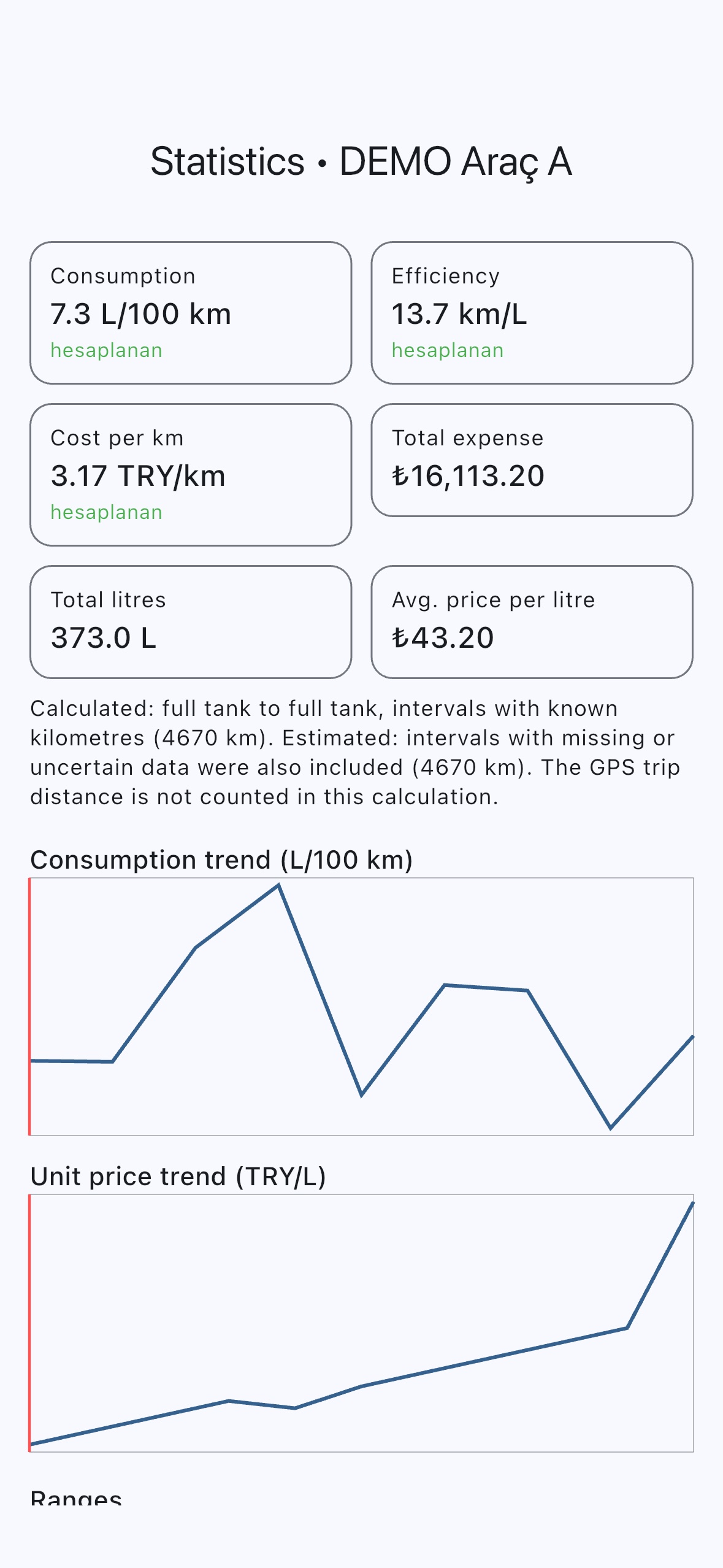
Fuel: how much did I buy, how much did I spend?
Examine your fuel statistics, including total liters, total expenses, average price per liter, monthly and annual spending, and consumption trends. The cost per kilometer in your fuel account is based on your fuel records.
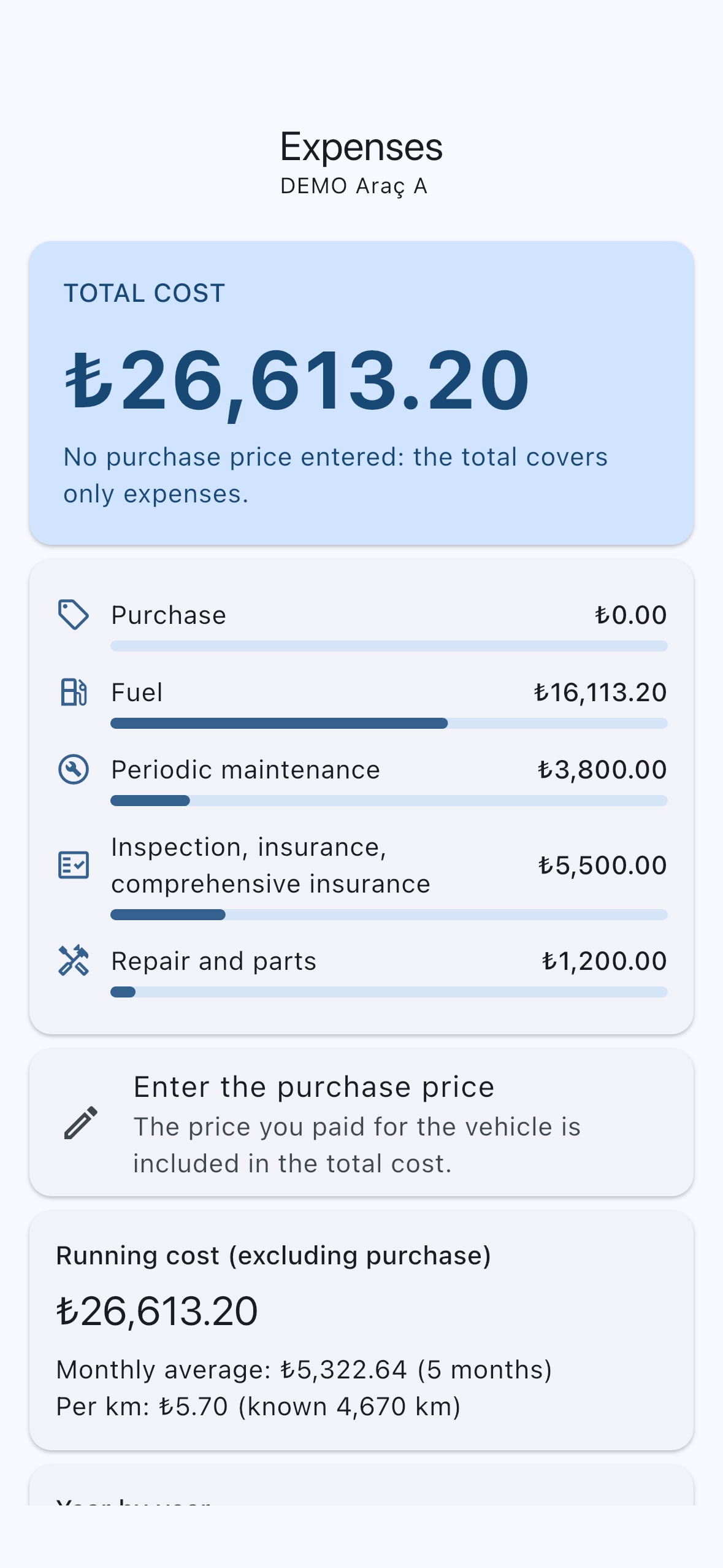
Vehicle expenses: what is my recorded cost?
View fuel, periodic maintenance, inspection, insurance, comprehensive insurance, and repair records together. If you add the purchase price, it is included in the total; operating expenses are shown separately. The monthly average is calculated based on the record or the start of the purchase. For the operating cost per kilometer, the known odometer range must be at least 500 km.
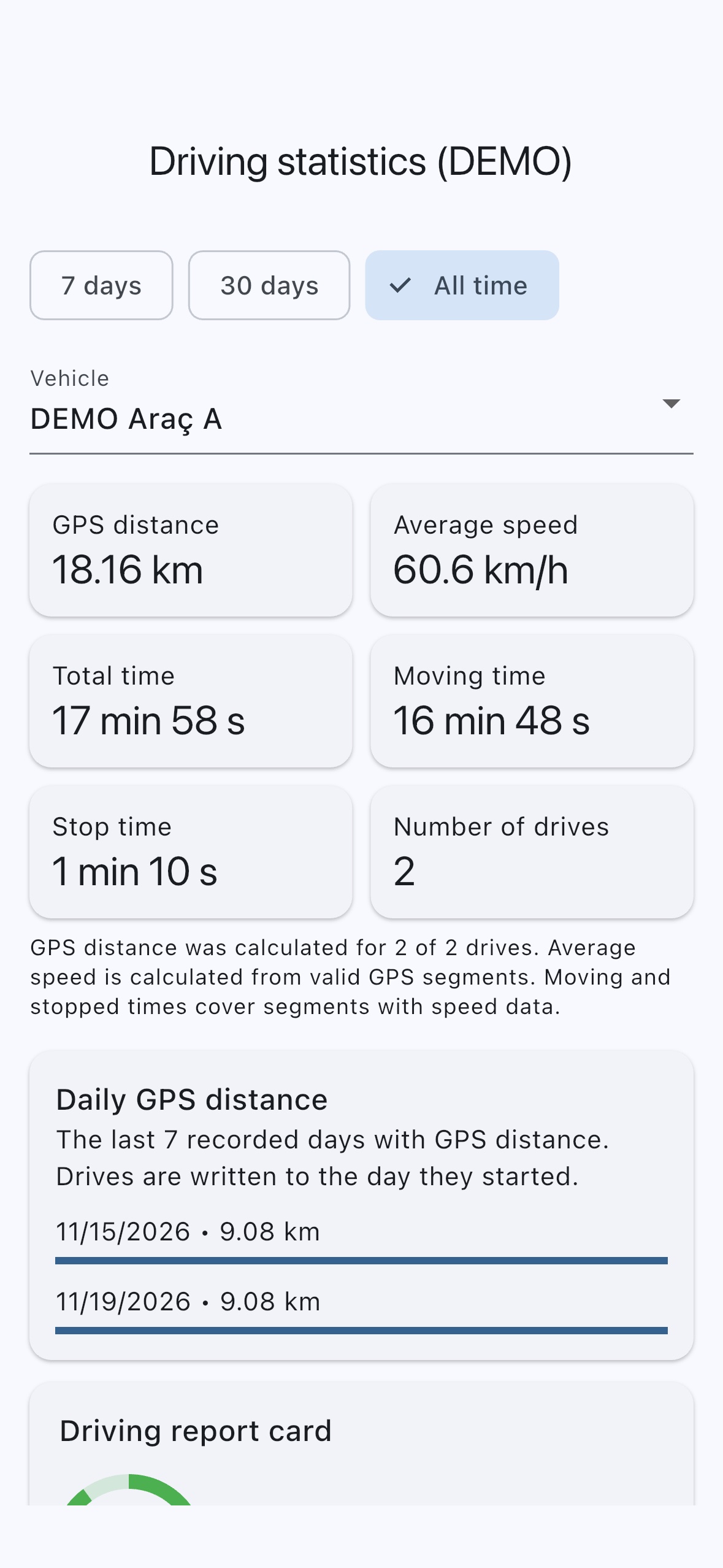
Driving: how much distance and time?
Select the last 7 days, 30 days, or all time in your driving statistics. If you have records, GPS distance, average speed, total duration, and moving and stopped times are displayed. The scope of sections without speed and GPS data is explained on the screen.
What do these numbers not tell you?
Calculated consumption is based on two full tanks and odometer records; uncertain intervals are separated as estimates. GPS distance does not replace fuel consumption calculations. Records in different currencies are not converted in vehicle expenses; those excluded are noted. Your records are information you have added yourself, without automatic bank or station transfers.
The easiest way to start
Record your next receipt. Add the odometer and tank status during subsequent refills. Enter the cost when you have maintenance done. Over time, you will build a history that allows you to compare records for the same vehicle.
Download Torklet
Android APK: 0.1.3 (14) · 102 MB · Android 7.0+ · Google Drive
Free. No account, no ads, no tracking.